
Learn · Your data · 4 min
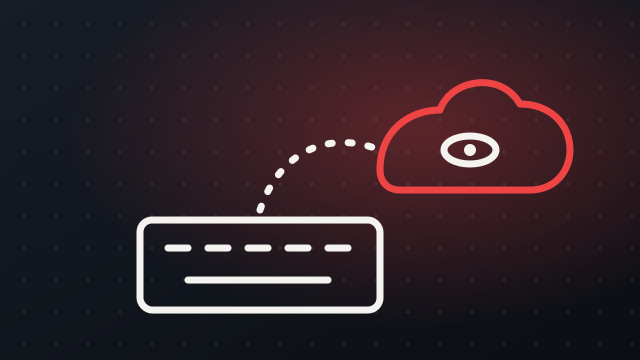
What happens to what you type
Chat history, memory and training settings, and how to take back control in a few minutes.
Find the history
Most assistants keep a list of your past chats. Open it, and delete anything you would not want someone else to read.
Check memory
Some assistants remember facts about you between chats. Look for a memory or personalisation setting and review what it holds.
Look for the training switch
Many tools let you choose whether your chats are used to improve their models. Decide on purpose rather than by default.
Treat uploads like email
A file you upload is a copy that has left your computer. If you would not email it to a stranger, do not upload it.
Try it now
Write a short checklist for the AI tools your family uses.
Reviewed from: Elements of AI (University of Helsinki and MinnaLearn). Written in our own words.
Drafted with AI from the linked sources. Check the links for the full detail.